
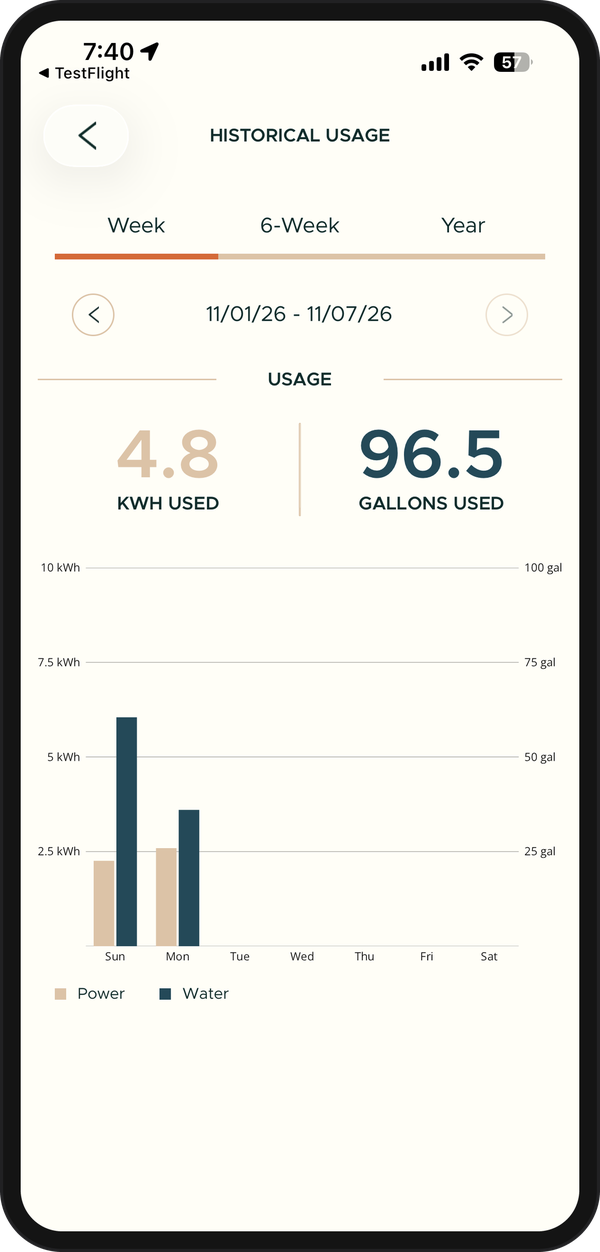
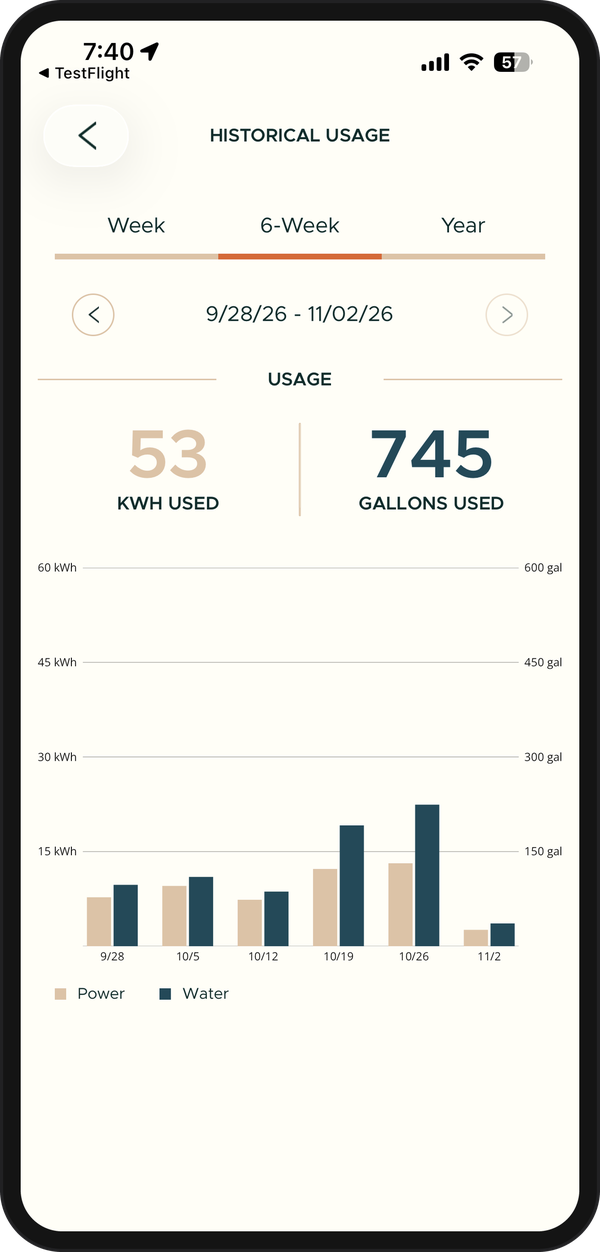
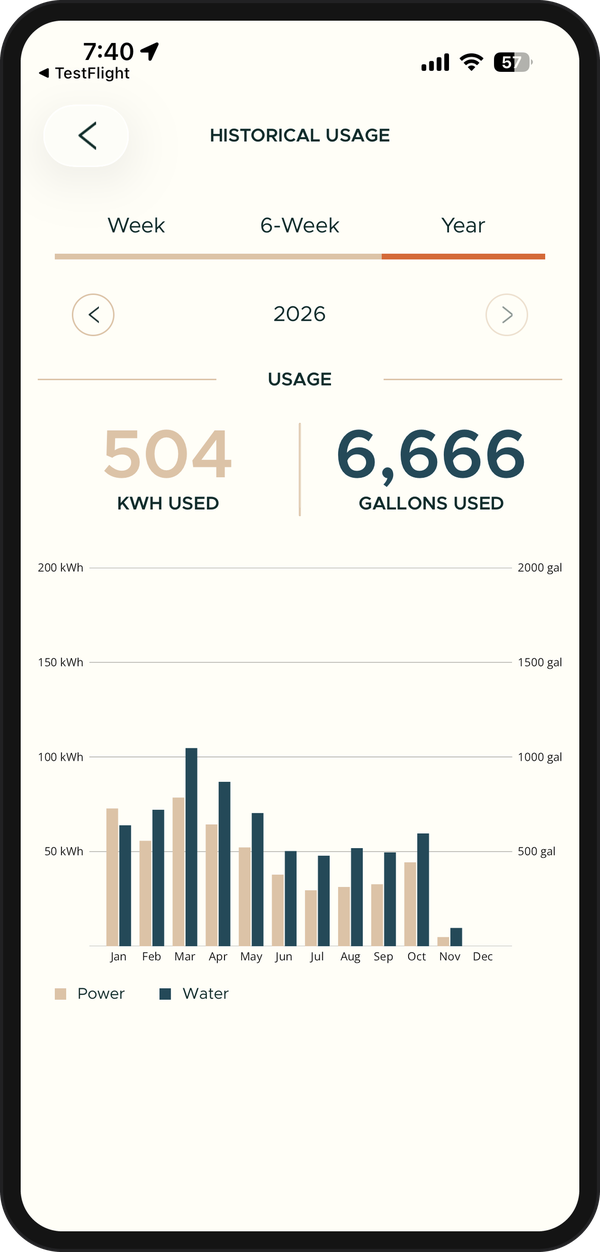
See how much hot water and electricity your home has used. In the Cala app, tap the menu icon, then INSIGHTS, then HISTORICAL USAGE. Pick Week, 6-Week or Year, and tap the arrows beside the dates to move between periods. Press and hold a bar to see the totals for just that day, week or month.
INSIGHTS shows in the menu while your Cala is online. If your home has more than one Cala, the totals add them together. For today hour by hour, see Get to know the Home screen; for how Cala planned a day, see Understand Smart Impact.