
The Cala app turns the hot water in your tank into something easier to picture: how many showers or baths you could take right now. You can set it to match your own shower and tub.
See how many showers or baths you have
-
In the Cala app, on the Home screen, tap the (i) icon on the tank, just above the GALLONS HOT number.
-
The HOW MUCH WATER DO I HAVE? panel opens. It shows how many SHOWERS or how many BATHS the hot water in your tank adds up to, rounded down to the nearest quarter.
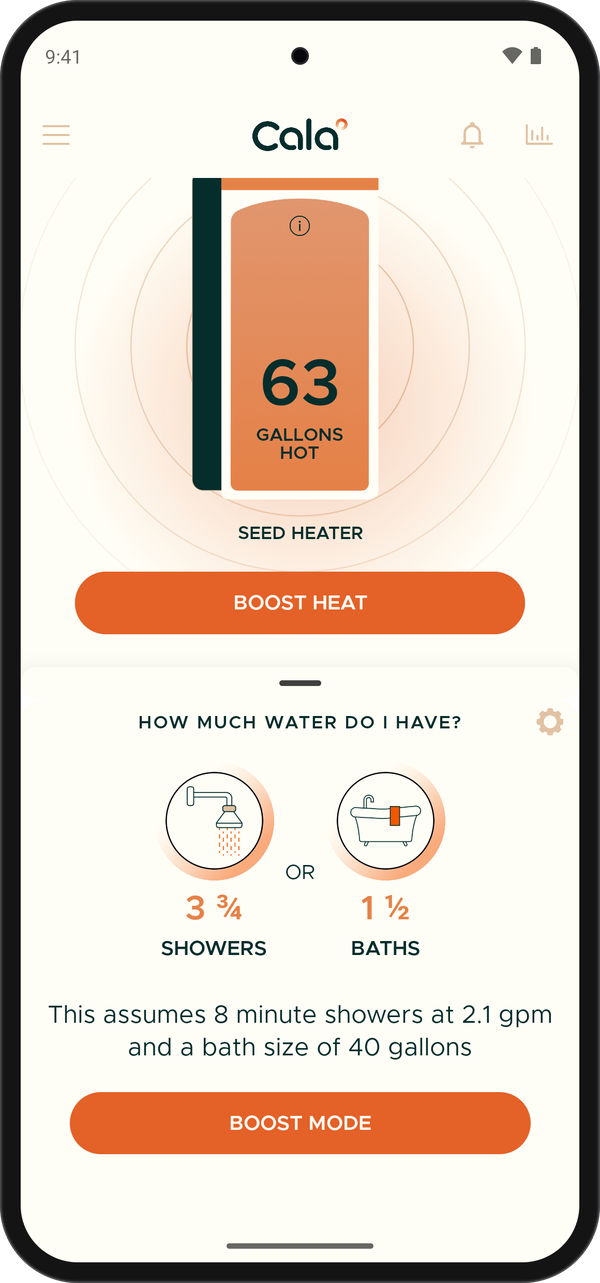
HOW MUCH WATER DO I HAVE? shows hot water as showers and baths. -
Read the line under the numbers to see what it's based on, for example This assumes 8 minute showers at 2.1 gpm and a bath size of 40 gallons.
Need more? Tap BOOST MODE at the bottom of the panel to start Boost. See Boost for extra hot water.
Set your shower and bath sizes
The app starts with 8-minute showers at 2.1 gallons per minute and a 40-gallon bath. If your showers are longer or your tub is bigger, change them so the numbers fit your home.
-
In the HOW MUCH WATER DO I HAVE? panel, tap the gear icon in the top right corner.
-
The BATH & SHOWER SETTINGS page opens.
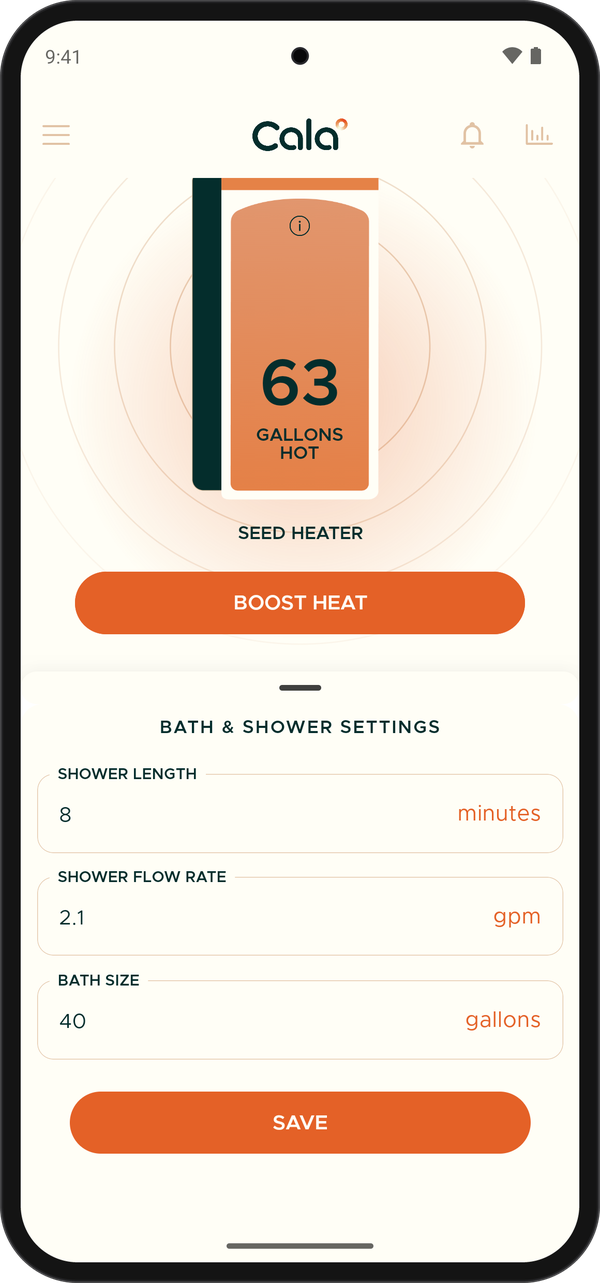
BATH & SHOWER SETTINGS has three fields. -
In SHOWER LENGTH, enter how long a typical shower lasts, in minutes.
-
In SHOWER FLOW RATE, enter your shower head's flow in gallons per minute (gpm). It's often printed on the shower head.
-
In BATH SIZE, enter how many gallons you fill your tub with.
-
Tap SAVE. The panel goes back to the shower and bath counts, worked out with your new numbers.