
Your Cala account is how you see and control your water heater from your phone. It takes a few minutes: sign up with your email address, enter the code we email you, and tell us your name.
Sign up
-
Open the Cala app. You'll see Welcome to feel-good warmth.
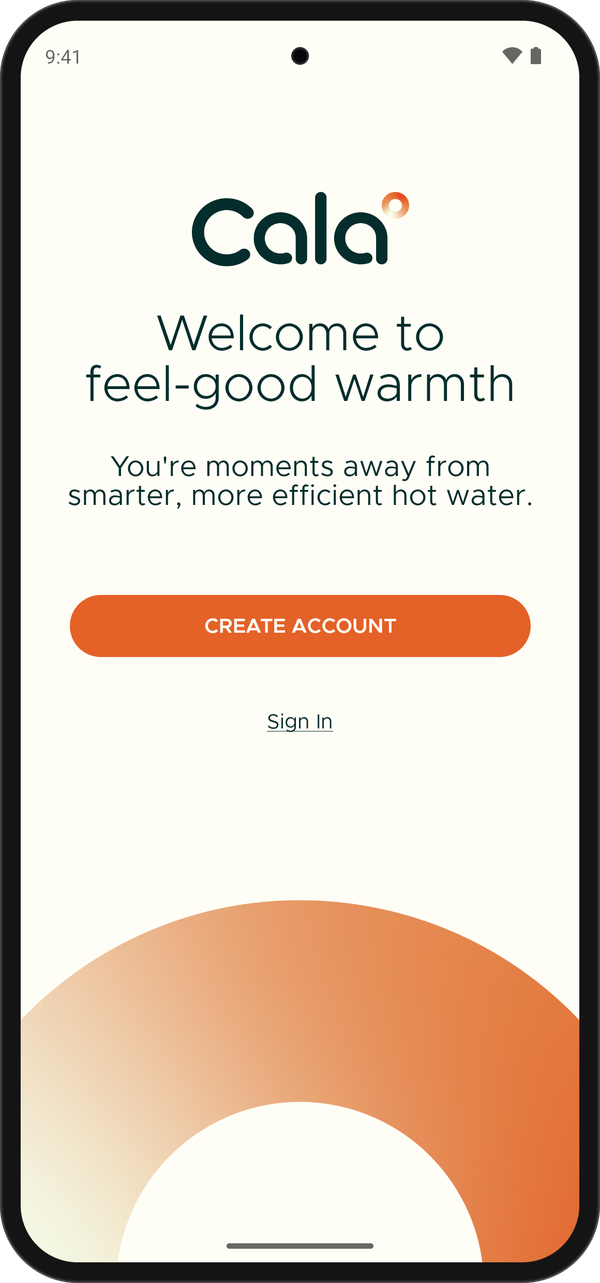
The first screen you see when you open the app. -
Tap CREATE ACCOUNT.
-
Enter your email in EMAIL ADDRESS.
-
Enter a password in PASSWORD. While you type, a list shows which password rules you've met (see Password rules below).
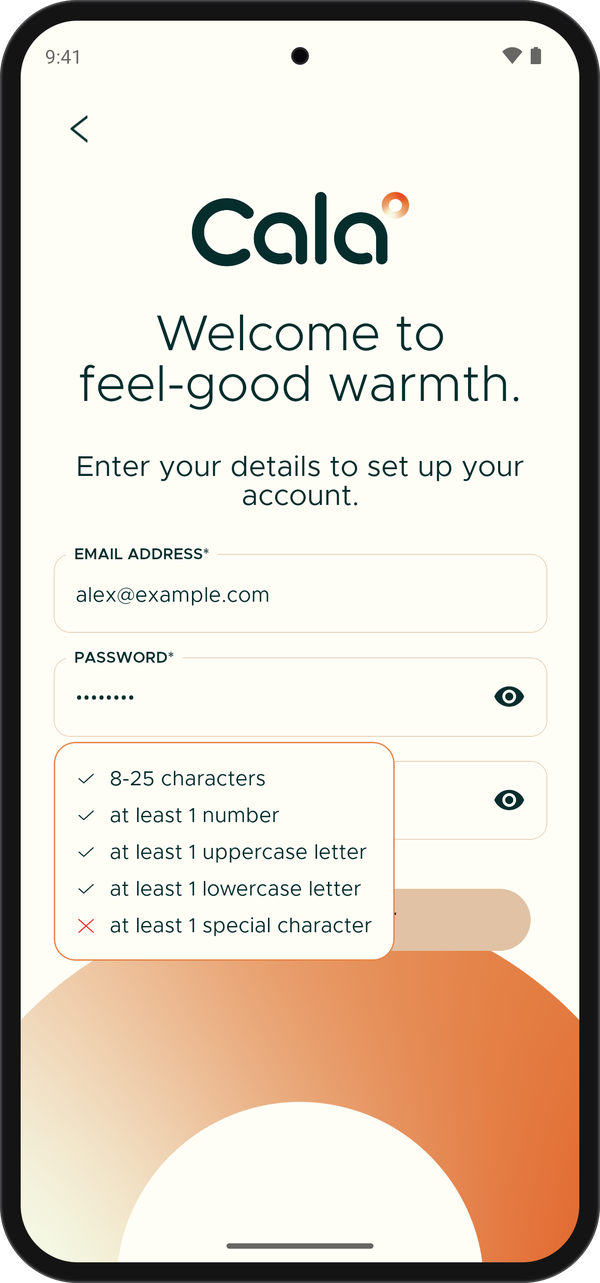
The password rules show while you type. -
Enter the same password again in CONFIRM PASSWORD.
-
Tap CREATE ACCOUNT. The app shows Let's verify your account. and we send a 6-digit code to your email.
Verify your email
-
Open the email from Cala and find the 6-digit code.
-
In the Cala app, enter the code.
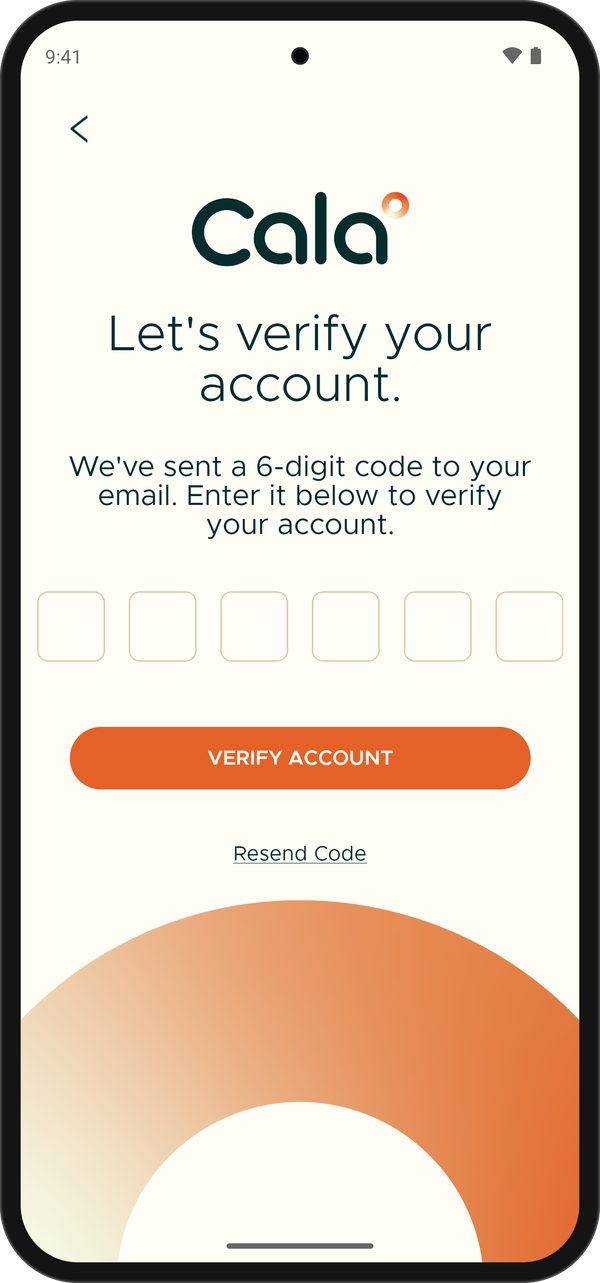
Enter the code from your email. -
Tap VERIFY ACCOUNT. The app shows Let's get to know you.
Add your name
-
Enter your name in FIRST NAME and LAST NAME.
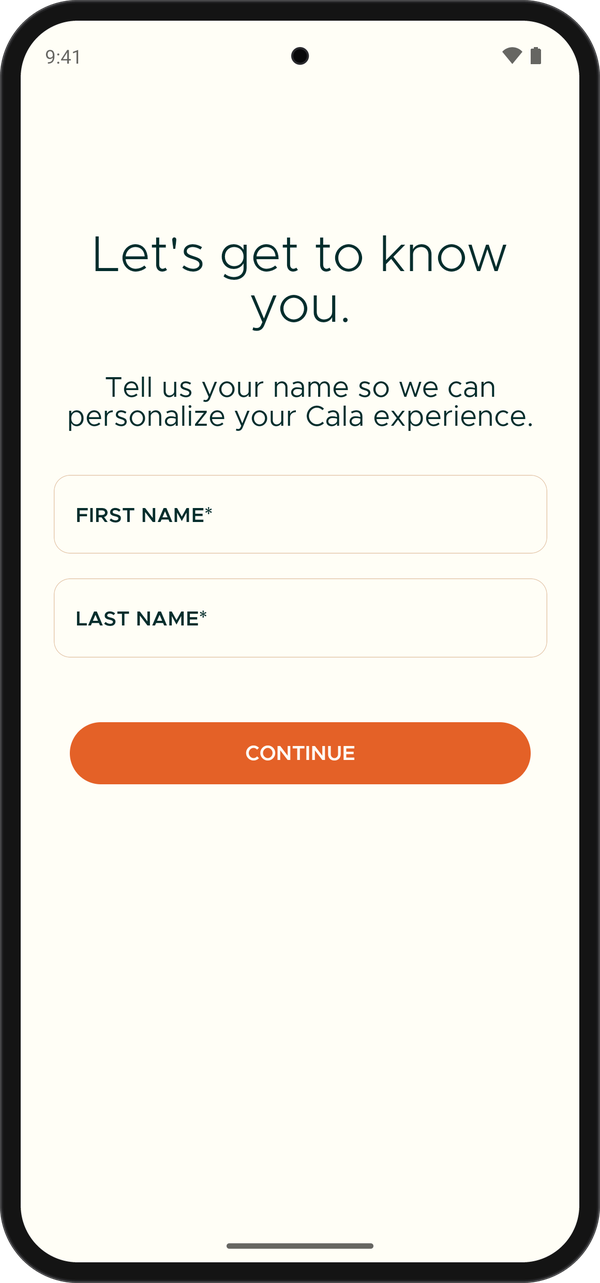
Add your first and last name. -
Tap CONTINUE. The app greets you by name and asks you to add your home.
Next: add your home.
Password rules
Your password needs:
- 8 to 25 characters
- at least 1 number
- at least 1 uppercase letter
- at least 1 lowercase letter
- at least 1 special character, such as
!,@,#or$